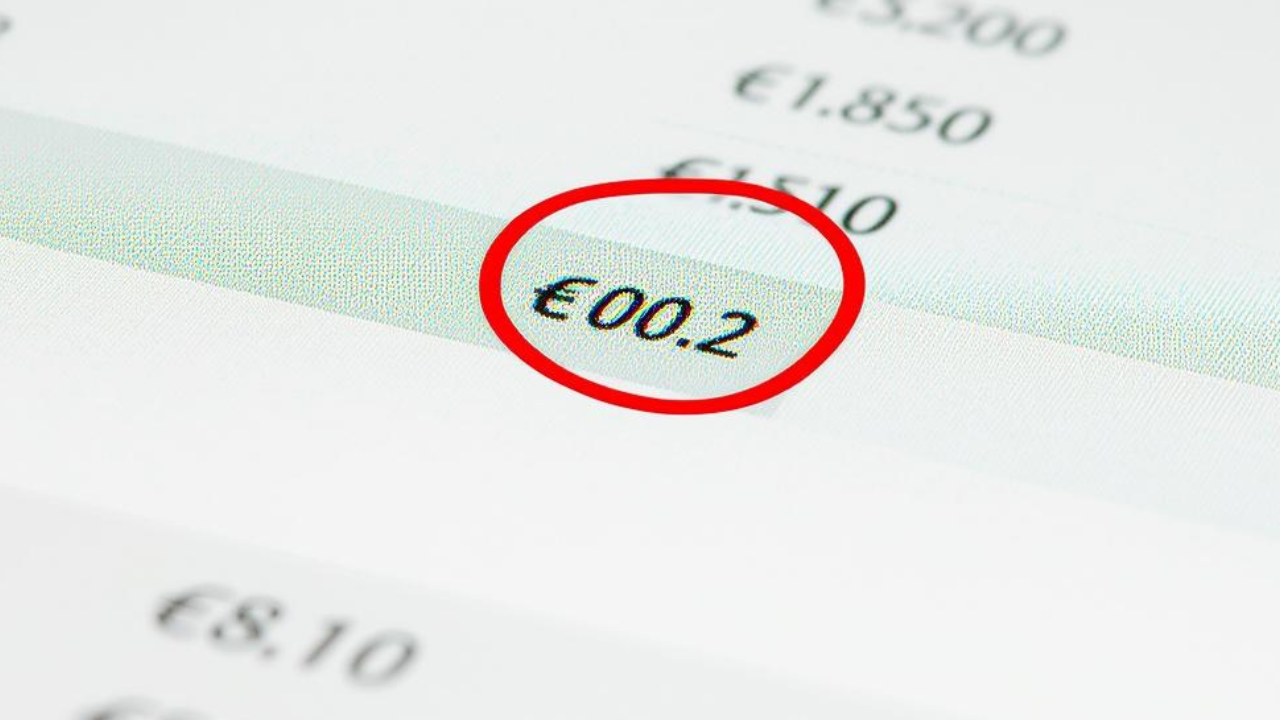
Then you spot a €0.02 difference you can't explain.
You check the invoice. You check the payment. You recount. You close the tab and reopen it, as if that helps.
It's a bank processing fee — and it appeared on a different date than the original transaction.
So you create a manual journal entry to absorb it. Next month, same thing. €0.01 this time. The month after, €0.05.
This isn't a bug in Dolibarr. You're not doing anything wrong. It's simply how bank fees work in the real world: they don't always land on the date you expect, they don't always match the transaction they belong to, and they rarely show up in a format that maps neatly to your existing entries.
It's one of those things nobody documents until you hit it yourself — usually at 6pm on a Friday.
________________________________________
Why Bank Fees Break Dolibarr Reconciliation
To understand why this keeps happening, it helps to know what's actually going on between your bank and Dolibarr.
When you manually import a bank statement into Dolibarr — whether as a CSV, OFX, or QIF file — you're working with a static snapshot. Each row is a transaction with a date, an amount, and a reference. Dolibarr then tries to match those rows to existing invoices, payments, or journal entries.
The problem is that banks often separate the transaction from the fee:
- The payment posts on Day 1
- The processing or interchange fee posts on Day 3
- Sometimes they appear as two separate lines; sometimes as one line with a net amount
Multiply this by a dozen transactions per month, across multiple bank accounts, and you can spend more time reconciling these micro-differences than doing actual accounting work.
________________________________________
The Manual Workaround (And Why It Doesn't Scale)
Most Dolibarr users who've been around long enough develop a workaround:
- Identify the unmatched amount
- Create a dedicated expense account for bank charges
- Post a manual journal entry assigning the fee to that account
- Mark the reconciliation as complete
- Time — even 5 minutes per occurrence adds up fast across a full year
- Human error — manual entries mean manual mistakes
- Audit trail gaps — journal entries created to "absorb" differences are harder to trace during an audit than properly matched transactions
- Mental overhead — every reconciliation becomes a detective exercise instead of a routine check
________________________________________
A Cleaner Approach: Importing Live Bank Data Instead of Static Files
The root cause of the bank fee mismatch problem is the gap between when your bank records a transaction and when you import it into Dolibarr.
When you import a CSV at the end of the month, you're working backward — trying to reconcile a month's worth of transactions after the fact, with a file format that strips out context.
A better approach is connecting your bank account to Dolibarr in real time, so transactions — including fees — are imported as they happen, with full metadata from your bank.
This is what Smart Bank Import does.
Instead of uploading a file at month-end, Smart Bank Import connects your bank to Dolibarr via Enable Banking or GoCardless — two regulated open banking providers — and pulls transactions directly through the Dolibarr REST API. Every transaction, including bank charges, appears in Dolibarr on the actual date it was posted, not the date you happened to run an import.
________________________________________
How Smart Bank Import Handles Bank Fees Specifically
When transactions come in live:
- Fees appear as their own line items, on the correct date, without needing manual separation
- SMART Linking automatically matches Dolibarr bank entries to imported transactions — including small fees that would otherwise sit unmatched
- Recurring bank charges (monthly maintenance fees, card fees, transfer charges) are imported consistently, so you can categorize them once and they're handled automatically going forward
- No more hunting for €0.02 differences at month-end because the data was already reconciled as it came in
________________________________________
If You're Still on Manual Imports, Here's Where to Start
If the bank fee reconciliation problem is costing you time every month, the fix isn't a better spreadsheet or a smarter journal entry template. It's switching from static file imports to a live bank connection.
Getting started with Smart Bank Import takes four steps:
- Download the free Dolibarr module at smartbankimport.com
- Enter your Dolibarr API URL and API key
- Connect your bank via Enable Banking or GoCardless
- Your transactions — including fees — import automatically from that point forward
The €0.02 problem is small. The hours you spend on it every year aren't.